Connecting Headphones to Home Theater: A Fuss-Free Guide
In the realm of home entertainment, immersing oneself in high-quality audio is a key component of the experience. This guide will walk you through connecting headphones to your home theater system, ensuring you get the best sound quality possible.
A home theater system typically comprises speakers, a display device, media sources, and an Audio/Video Receiver (AVR). The AVR acts as the central hub, processing and distributing audio and video signals.
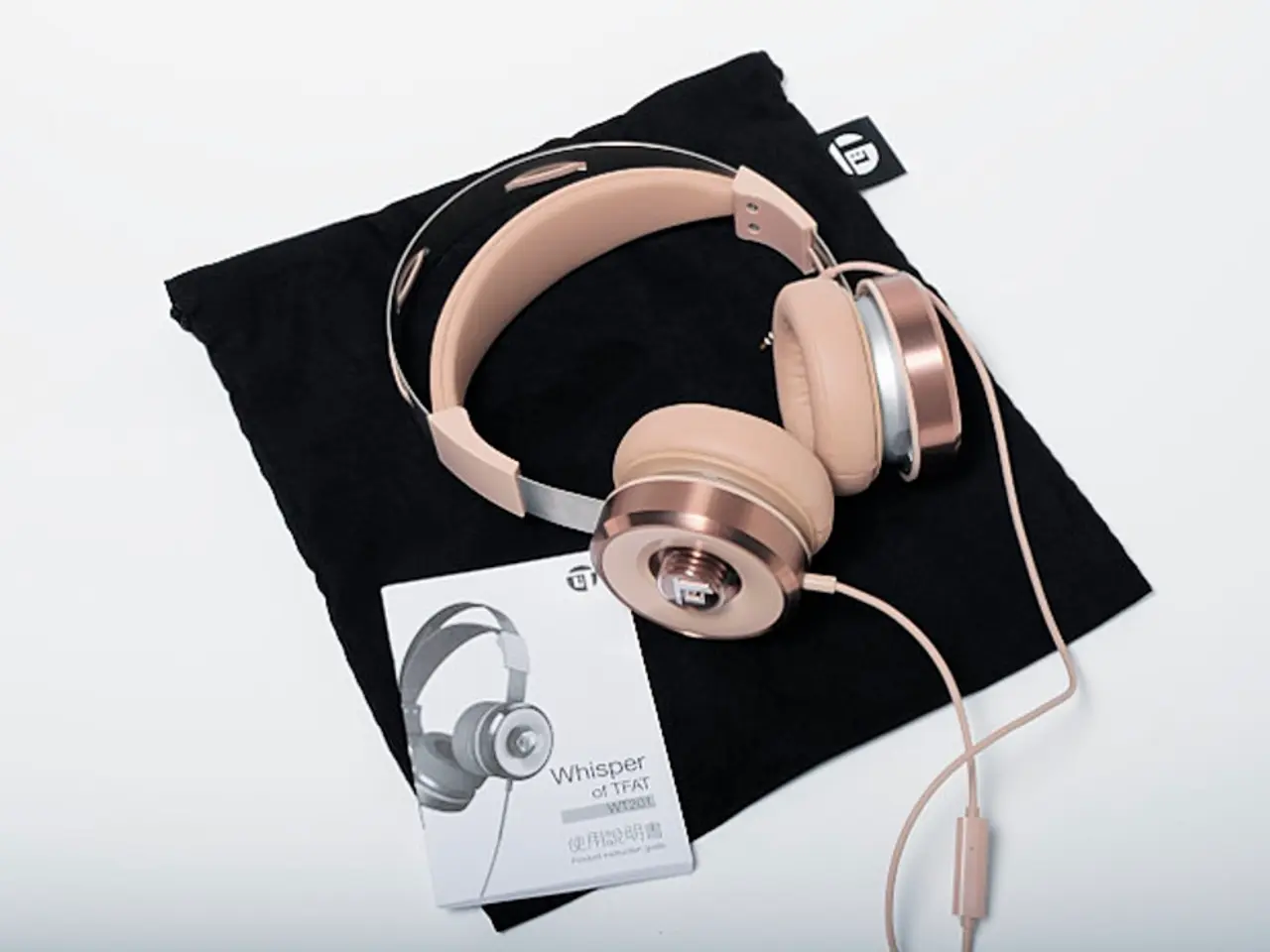
When it comes to headphones, there are two main categories: wired and wireless.
Wired headphones connect via a physical cable, providing high-quality sound with minimal latency. On the other hand, wireless headphones use Bluetooth or RF technology, offering greater freedom of movement but potentially introducing audio lag. If your AVR lacks a headphone jack, using a wireless transmitter can be an alternative, with connections made via optical output or RCA connectors.
For wired headphones, a compatible headphone jack or adapter is required. It's essential to match the impedance of headphones with the output source to prevent distorted sound or damage to the equipment. High-quality audio formats like FLAC or WAV provide better sound quality compared to compressed formats such as MP3.
When choosing headphones for a home theater system, consider those with a wide frequency response, high impedance, and larger drivers. Gaming headphones can be used, but ensure compatibility regarding connection type.
Connecting headphones directly to an AVR is straightforward. Locate the headphone jack on the front panel and plug in the headphones. If your AVR lacks a headphone jack, you can use a wireless transmitter or connect to a TV's headphone jack if it has one, although audio quality may be limited.
Using a soundbar with a headphone output can also be an option, although audio quality may differ.
Noise-canceling headphones can enhance your viewing experience by focusing your attention on the audio, but position the home theater system optimally for sound delivery to avoid missing subtle audio cues.
When using wireless headphones, look for devices with low-latency codecs to minimize audio lag. Connectivity issues can be resolved by checking connections and compatibility between headphones and the home theater system. Surround sound format compatibility is essential, especially when decoding the surround sound into stereo for headphone output.
Understanding how to maintain audio quality, such as adjusting settings and using high-quality equipment, will enhance the overall experience. Static or poor audio quality can be addressed by moving potential sources of interference away from Bluetooth devices and adjusting audio settings.
In conclusion, connecting headphones to your home theater system can provide a personalised, immersive audio experience. By understanding the options available and the factors affecting sound quality, you can make informed decisions to enhance your home entertainment setup.
Read also:
- User Data Analysis on Epic Games Store
- Rachel Reeves conducts a discussion with Scott Bessent and financial executives, focusing on investment matters
- Hyundai accelerates production plans: Introducing 7 new N models, aiming for a sales figure of 100,000 units by 2030.
- iPhone, iPad, and Mac Apple Sports App Now Offering: Customizable Widgets